
Zoom Magnifier
Windows OS of the Day

Zoom Magnifier

5.0 FREE
  • Screenshot 1
  • Screenshot 2
  • Screenshot 3

Description

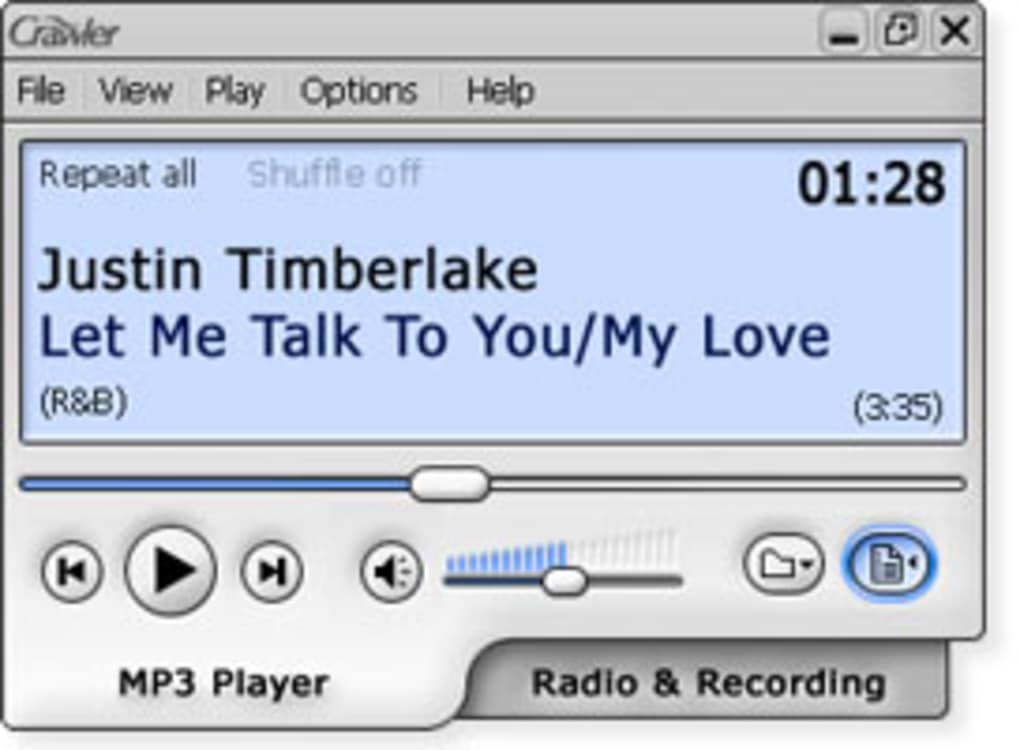
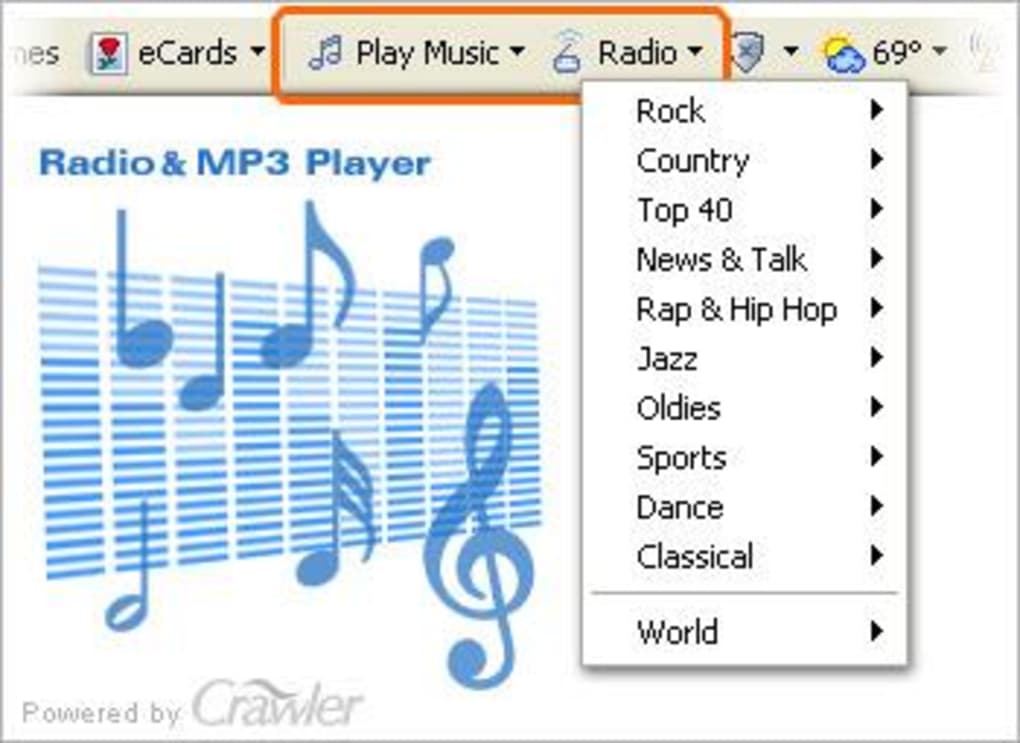
Listen to internet radio streams and music Crawler Radio & MP3 Player is a refreshing new way to enjoy music. It lets you not only listen to music stored on your computer, but also make your own recordings from Internet radio streams You can choose between the simple Mp3 Player or the Radio Tuner which has a list of presets or you can add your own favourite radio streams. You can then save them on your computer and listen to them whenever you want which is really useful if you don't have time to listen to a program or are working. You can even schedule recordings so that even if you're not at your PC, it will record the stream automatically - simple as setting your VCR. The Mp3 player allows the easy creation of playlists and drag and dropping of Mp3's saved on your hard drive into tje player. The player has obviously been designed with a wide range of users in mind - it's simple enough for beginners to use but it also has advanced features if you look deep enough. I also like the fact that you can easily toggle between the Mp3 Player and Radio & Recorder as well as minimise both so they don't occupy your desktop. A really nice Mp3 player and a superb radio recorder that means you'll never miss another radio show.

Guides & Tutorials for Crawler Radio MP3 Player

How to install Crawler Radio MP3 Player
  1. Click the Preview / Download button above.
  2. Once redirected, accept the terms and click Install.
  3. Wait for the Crawler Radio MP3 Player download to finish on your device.
How to use Crawler Radio MP3 Player

This software is primarily used for its core features described above. Open the app after installation to explore its capabilities.

User Reviews for Crawler Radio MP3 Player 0

    No reviews found

Similar Apps




